



Jeff Su – Build Your Command Center in Notion
Build Your Command Center in Notion
Build Your Command Center in Notion BY Jeff Su
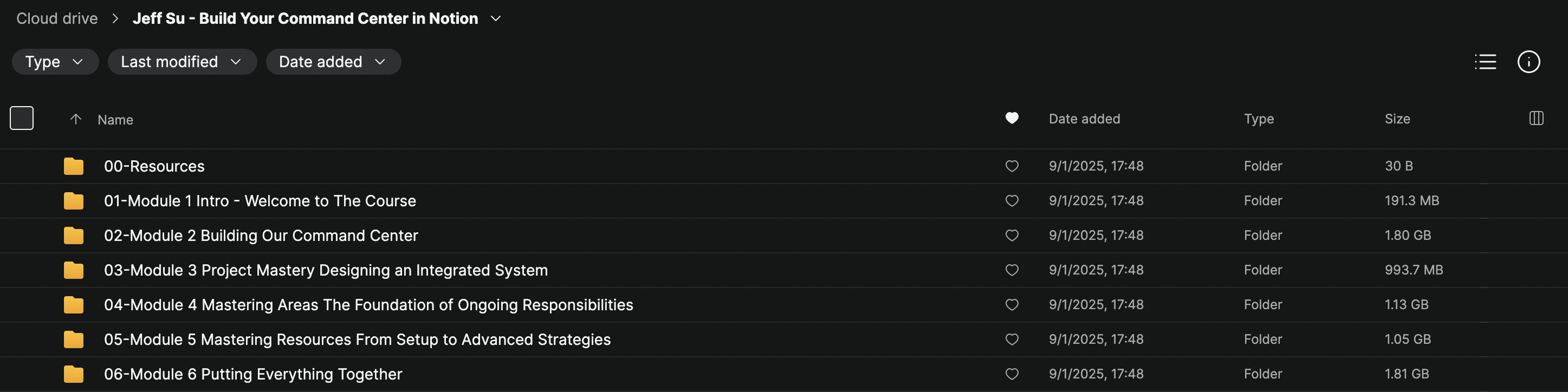
Jeff Su – Build Your Command Center in Notion Download
Go From Overwhelmed to Organized with Notion
If you’ve ever felt scattered between apps, sticky notes, and endless to-do lists, you know how overwhelming it can be to stay on top of work and life. Jeff Su – Build Your Command Center in Notion is designed to eliminate that chaos by showing you step-by-step how to create a fully functional productivity hub inside Notion.
This course isn’t just about templates — it’s about building a personalized, adaptable Command Center that integrates your tasks, projects, areas, notes, and resources into one streamlined system. By the end, you’ll have a proven setup that helps you focus, take action, and stay consistent every day.
What You’ll Learn in Build Your Command Center in Notion
MODULE 1:
Lesson 1 – Welcome to Your Notion Command Center
Lesson 2 – Command Center in Action
Lesson 3 – Take What You Need and Leave The Rest
MODULE 2:
Lesson 1 – From Blank Page to Command Center
Lesson 2 – Make Time: Building Your Daily Focus System
Lesson 3 – Tasks: Building Your Action Engine
Lesson 4 – Task Management: Daily and Weekly Workflow
Lesson 5 – Notes: Setting up Your Knowledge Hub
MODULE 3:
Lesson 1 – Introducing the Projects Database
Lesson 2 – The Power of Relations
Lesson 3 – Project Management: Creating Visual Views
MODULE 4:
Lesson 1 – Introducing Areas
Lesson 2 – Diving Deeper into Areas
Lesson 3 – Personalized Area Management
MODULE 5:
Lesson 1 – Getting Started with Resources
Lesson 2 – Resources Database: Structure and Components
Lesson 3 – Resources in Action: Real-World Examples
Lesson 4 – Advanced Techniques for Resources
MODULE 6:
Lesson 1 – Final Touches for Your Command Center
Lesson 2 – Your Command Center Routine
Lesson 3 – Simple Case Study: Integrating Templates into Your Command Center
Lesson 4 – Advanced Case Study: Building a Custom Mini-Workflow
Lesson 5 – Thank you & Next Steps
Course Details
- Learning Points: Productivity, Organization, Information Management
- Learning Materials: Essential Notion templates for life & work
- Total Duration: ~5 Hours of training
- Access: Unlimited time, desktop & mobile devices
- Charge Type: One-off payment
Why Take This Course?
✅ Step-by-step instruction — no guesswork in setting up Notion
✅ Comprehensive system covering daily tasks, projects, areas, and resources
✅ Practical case studies to see real-world applications
✅ Templates included so you can build faster
✅ Lifetime access to all lessons and materials
Conclusion
Whether you’re a student, professional, or entrepreneur, this course gives you a ready-to-go blueprint for mastering Notion and organizing your entire life in one place.
Download Jeff Su – Build Your Command Center in Notion today.
Sale Page : https://us.ppacademy.cc/project/1DDE389A5651FDE381C38DD34B8FB5CD/about